Top 10 Hybrid Printer Manufacturers for Global Buyers
A Hybrid Printer can switch between rigid boards and flexible rolls without moving jobs across separate machines. For sign shops, packaging studios, and display producers, that flexibility can save floor space and reduce handling. Yet a machine’s “hybrid” label alone says little about its suitability. Buyers should compare print width, substrate range, ink system, throughput, service coverage, and operating costs against their actual workload.
Market context helps, but broad figures need careful interpretation. Grand View Research estimated the global digital printing market at USD 35.0 billion in 2023 and projected a 6.7% compound annual growth rate from 2024 to 2030. This category includes technologies beyond hybrid wide-format equipment, so it is not a direct measure of hybrid printer demand. Still, it signals ongoing investment in digital production. That matters.
This guide reviews ten manufacturers serving global buyers, with attention to product capabilities, regional support, and practical purchasing considerations. Look for details such as vacuum-bed stability, roll-media handling, white-ink options, and the time required for routine maintenance. Ask suppliers for samples using your own materials; glossy acrylic and textured board can expose weaknesses that brochures hide. Not always. No manufacturer suits every shop. Specifications also change, and distributor support may vary by country. Treat the comparison as a starting point, then verify current models, warranties, installation terms, and service response times directly with each manufacturer. Trade-offs remain.
What Hybrid Printers Are and How They Work
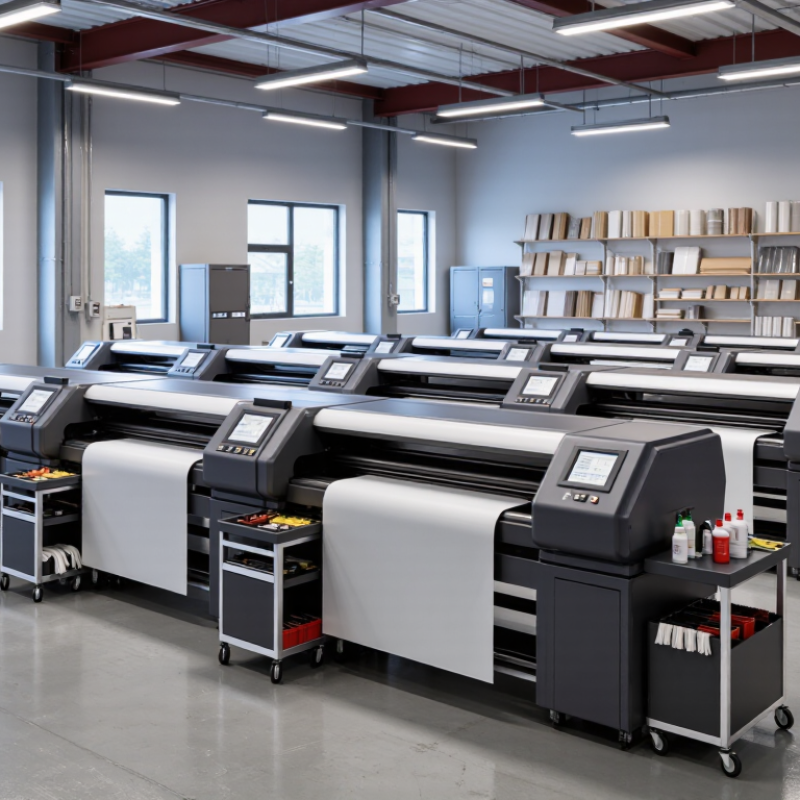
Hybrid printers combine digital inkjet printing with conventional printing or finishing units in one production line. The exact configuration varies. A press may use flexographic stations for a solid background, primer, or varnish, then apply variable text and images with inkjet heads. Cutting or laminating modules may follow.
A roll moves through the press under controlled tension. Sensors track its position, while the digital system places each image according to the job file. Ink may need ultraviolet or other curing before the material reaches the next station. Registration matters: even a slight shift can leave a visible edge around small text or graphics. That can matter.
The combined process can handle repeated designs with changing names, codes, or artwork, while retaining selected conventional steps. It may reduce separate handling, but it does not automatically make every job faster or cheaper. Not always. Setup, ink compatibility, substrate behavior, and cleaning requirements affect results. A film that stretches under heat, for example, can complicate alignment. In practice, the handoff between print modules may be less seamless than a product description suggests. Buyers should ask for samples on their actual material and check print quality, curing, and finishing together.
Hybrid Printers: How Flatbed and Roll-to-Roll Capabilities Compare
A hybrid printer combines flatbed and roll-to-roll printing in one system. This generic capability comparison shows how the three configurations handle rigid and flexible substrates; it does not rank manufacturers or represent a particular model.
Key Criteria for Evaluating Hybrid Printer Manufacturers
A hybrid printer may combine digital printing with processes such as screen, flexographic, or varnish application. The right configuration depends on the materials and jobs you actually run. Ask manufacturers to test your own substrate, artwork, and finishing requirements. A sample sheet is useful. A repeatable test is better.
Check registration accuracy across colors and print stations, then inspect fine text, solid areas, and edges under consistent lighting. Ask how performance changes during longer runs, not just short demonstrations. Speed matters, but so do setup time, waste, and changeover effort. Request clear figures for each. If possible, observe a production run. A polished demo can hide everyday bottlenecks.
Review service coverage, spare-part availability, operator training, and software compatibility before comparing prices. Ask for written maintenance intervals and a realistic response-time commitment. Speak with users who print on similar materials and at a similar volume. Their experience may reveal details a brochure misses. Check whether the manufacturer explains limitations plainly. That matters. One test will not predict every production issue, and specifications can look more certain than real workflows. Keep notes, compare results, and leave room for a second trial.
Top 10 Hybrid Printer Manufacturers for Global Buyers
For global buyers, a “top 10” hybrid printer shortlist is most useful when it compares real production needs, not just advertised speed. Hybrid machines typically handle both rigid boards and roll media, making them suitable for sign shops producing window graphics, display panels, and short-run packaging samples. Check the supported media thickness, printable width, curing system, and changeover time. A machine that accepts a 50-millimeter board may still struggle with uneven material.
Ask each manufacturer for a live demonstration using your own files and substrates. Watch for fine text, solid color areas, and white ink coverage. Request measured output rates in production mode, not only draft mode. Small details matter. Confirm service coverage in your region, technician response times, spare-part availability, and operator training. These factors can affect uptime more than a small difference in purchase price.
Compare written warranty terms and consumable costs across the ten candidates. Ask how printhead replacement, software updates, and preventive maintenance are handled. A polished sample is not enough; request repeat runs and inspect alignment after media changes. A ranking can mislead. I would also leave room for uncertainty: factory claims may not match your workflow, especially with unusual substrates or frequent job changes. Record test results before making a decision.
How Manufacturers Differ in Technology and Applications
Hybrid printer manufacturers differ in how they combine inkjet, flexographic, screen, or other printing units. The choice affects setup time, material handling, finishing, and achievable detail. A label converter may value inline varnishing and fast job changes. A packaging plant may prioritize stable registration across film, paperboard, and foil. For signage, wide-format handling and color consistency can matter more than high-speed roll production. Small details count: a sensor must track a thin substrate without shifting the print.
Smithers’ The Future of Digital Printing to 2032 values the global digital-print market at $167.5 billion in 2022 and forecasts $251.1 billion by 2032. Its digital packaging research also projects growth from $22.5 billion in 2022 to $36.9 billion in 2028. These figures describe digital-print markets, not hybrid-machine sales, but they help explain manufacturers’ varied investment priorities.
Some systems emphasize short-run customization; others add digital units to established analog lines. The trade-off is real. More modules can expand applications, yet add calibration and maintenance work. A specification sheet rarely reveals the whole story.
Buyers should test their own stock, ink coverage, and finishing sequence before comparing quoted speeds. One overlooked issue: sample results may not reflect a full production shift.
How Global Buyers Can Choose the Right Hybrid Printer Supplier
Choosing a hybrid printer supplier starts with your real production mix, not a brochure’s fastest speed. List the rigid boards and flexible rolls you print, their widths, thicknesses, and weekly volume. Ask suppliers to run your own files on your own materials. Details matter. Inspect small text, color consistency, banding, and adhesion after the recommended curing process.
Compare demonstrated output with your normal settings, not a specially prepared sample. A machine may handle both media types, yet changeovers, loading, and cleaning can slow a busy shop. Ask for a timed demonstration using a typical job. Then check what training covers, how quickly technicians respond, and whether common parts are stocked near your facility. Get service terms in writing.
Request references from buyers with similar workloads, and ask what required adjustment after installation. Review warranty coverage, ink availability, maintenance routines, and expected operating costs alongside the purchase price. There is no perfect checklist. Some details are easy to overlook. I would also ask for technical documents before signing, then have the production team review them. A polished demonstration is useful, but it cannot predict every material or deadline in your shop.